Find yourself online
Upload a selfie and see every page your face is on. Social profiles, dating profiles, blogs and the accounts using your photos.
Reverse image search for your face
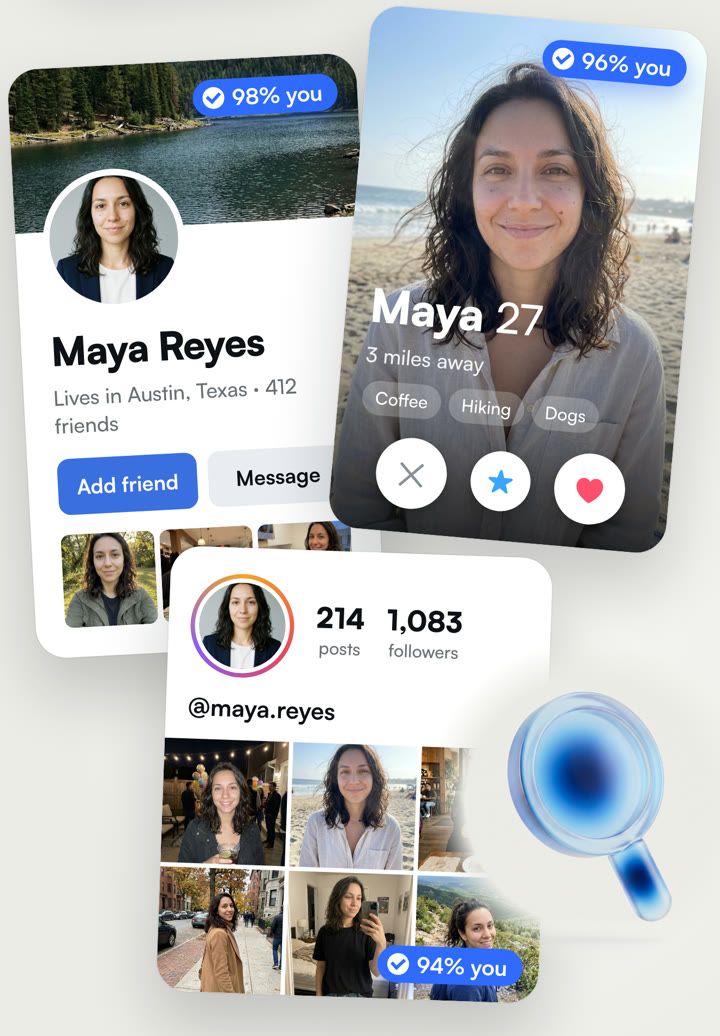
Pick up to 3 photos of yourself. Looky checks the public web and shows every page where they appear.
- Social profiles, photo sites, news, blogs and image boards
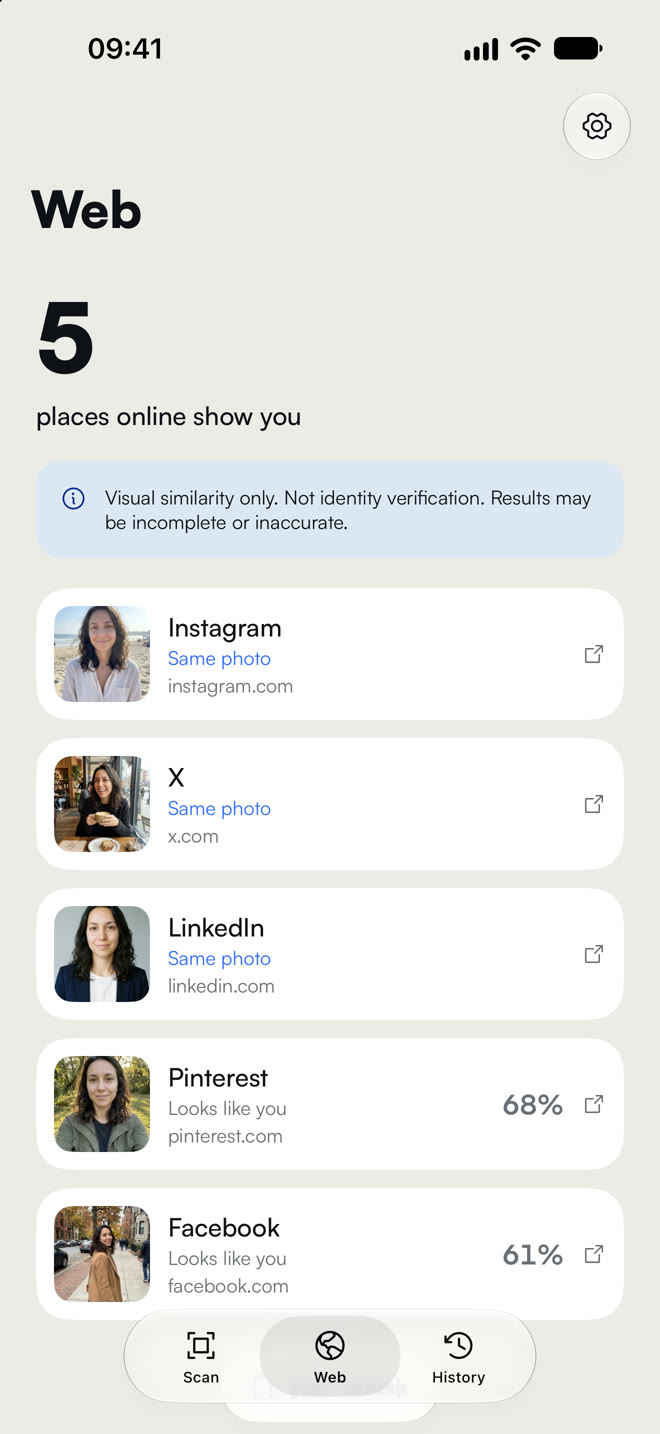
- Exact copies marked as Same photo, close ones as Looks like you
- Open the exact page your photo is on in one tap

See your dating profiles
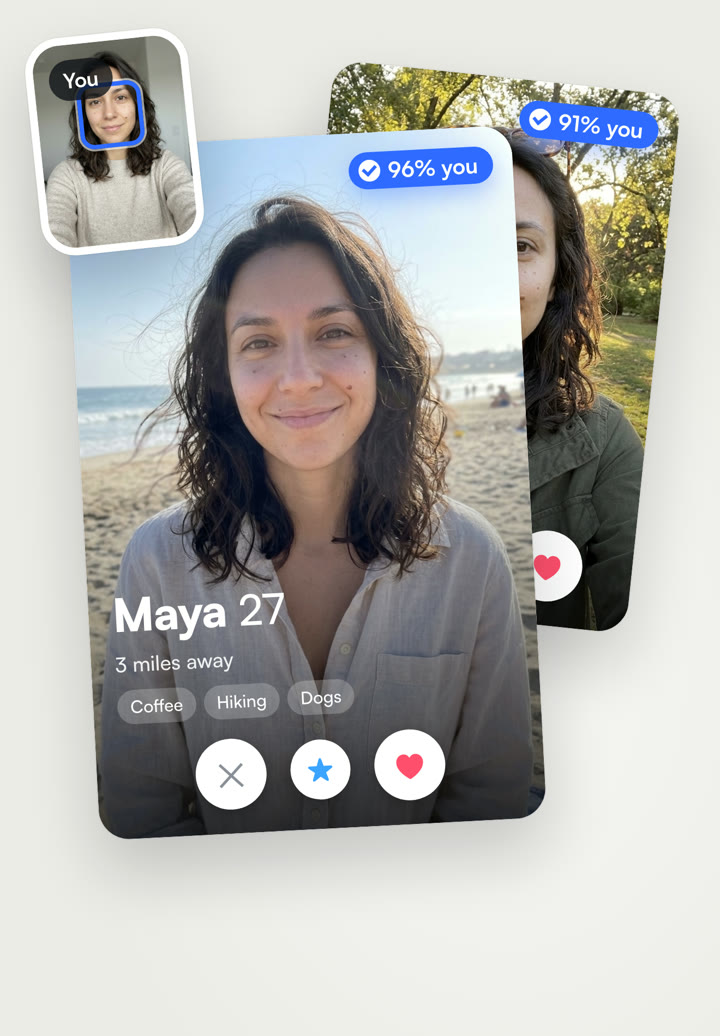
Find the profiles that use your pictures, the ones you made and the ones you didn't.
- Dating style profiles that show your face
- Social profiles and photo pages with your pictures
- A match score on every result, so you know how close it is
Catch stolen photos
Fake profiles and catfish accounts use real people's pictures. Looky shows you where copies of yours are posted, so you can report them.




Your photos stay yours. Searches run only when you start them, and we never store your photos or face data.
How it works
- 1
Add one selfie
A clear photo of your face. Looky uses it to know who to look for.
- 2
Search the web
Looky checks public pages for your face and for copies of your photos.
- 3
Open the match
Tap any result to see the photo in your library or the page it was posted on.
Your photos, your privacy
- Web searches only run when you start them, on photos you choose
- We never store your photos or your face data
- Delete everything in one tap from Settings

Questions, answered
What can Looky find?
Public pages that show your face or your photos, like social profiles, dating profiles, blogs and news. Private accounts and anything behind a login can't be found.
What is sent when I search the web?
Your face photo and the 1 to 3 photos you picked go to our server. The photos you picked are looked up with Google Lens and TinEye. Your face photo is only used to check which results show you. You agree to this on a consent screen before every search.
Do you keep my photos or face data?
No. Photos are held in memory for about 10 seconds while the search runs, then deleted. Face templates are never saved, sold or used to train anything.
Can I search for someone else?
No. Looky is for finding your own photos. Results that do not show the face you added are thrown away.
Why does a result say Looks like you?
Same photo means an exact copy of a picture you searched. Looks like you means a similar face on another photo. It is visual similarity, not identity verification, so check before you act on it.
How many web searches can I run?
Three a day. A search that fails on our side does not count.
How do I delete my data?
Open Settings in Looky and tap Delete all my data. That clears your phone and the search records tied to your install on our server.